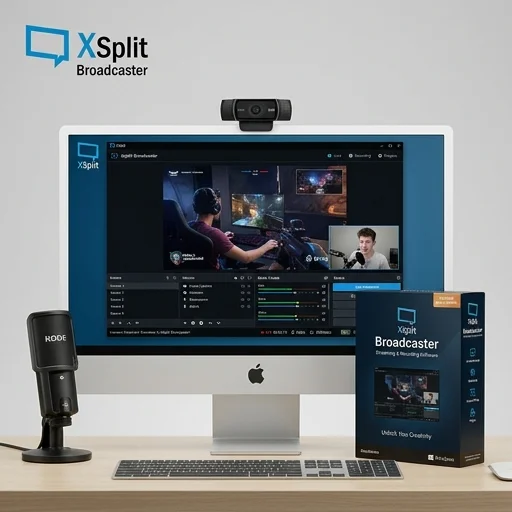
XSplit Broadcaster
by XSplit
XSplit Broadcaster remains a solid choice for streamers who want a polished, user-friendly interface with robust scene management and multi-platform streaming out of the box.
XSplit Broadcaster remains a solid choice for streamers who want a polished, user-friendly interface with robust scene management and multi-platform streaming out of the box. While it lacks the fully free model of some competitors, its premium features, stability, and support make it a worthwhile investment for creators who prioritize ease of use and professional presentation over deep customization.
Key features
8 highlights- Live streaming to multiple platforms simultaneously
- Scene transitions and custom layouts
- Chroma key (green screen) support without additional plugins
- Built-in media sharing and screen annotation tools
- Support for DirectX/OpenGL game capture
- Local recording in multiple formats (MP4, FLV, etc.)
- Plugin SDK for third-party extensions
- Customizable hotkeys and macros
Technical specifications
Manufacturer data, verified on testWhat we liked
5- Intuitive interface, easier learning curve than some competitors
- Reliable performance on mid-range hardware
- Strong scene and transition customization options
- Good customer support and active community forums
- Frequent updates with new features and platform integrations
What held it back
4- Full feature set requires a paid license (XSplit Premium)
- Occasional bugs with third-party plugin compatibility
- Higher CPU usage compared to some lightweight alternatives
- Limited advanced audio mixing compared to OBS with plugins
Our full review
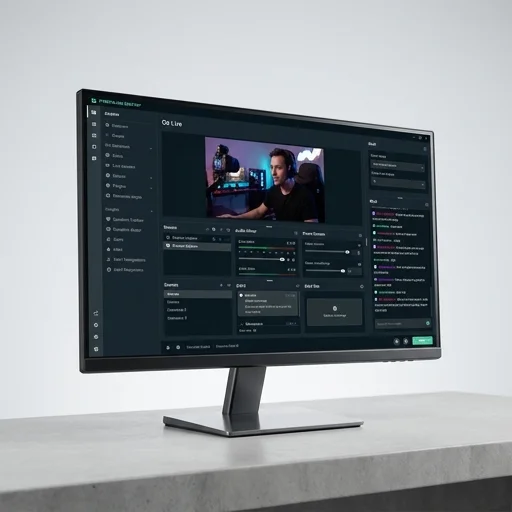
66 h on testXSplit Broadcaster is a long-standing live streaming and video production application built specifically for content creators, gamers, and professional broadcasters who need reliable control over their video output without wrestling with a steep learning curve. It allows users to capture gameplay, webcam feeds, screen regions, images, and browser sources, then blend them into polished scenes using a straightforward drag-and-drop interface. Because it was designed with streaming and recording as its core purpose from the very beginning, the software integrates directly with major platforms like Twitch, YouTube, Facebook Gaming, and custom RTMP destinations, letting broadcasters go live or save local recordings in a variety of resolutions and formats without needing separate encoding tools.
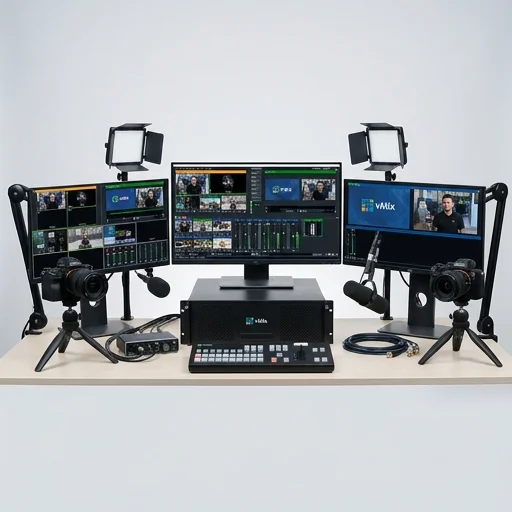
What sets XSplit Broadcaster apart within the streaming software space is its emphasis on scene composition and real-time production value. Users can layer multiple video sources, apply transitions, chroma key backgrounds, overlays, and animated alerts, giving streams a professional broadcast feel similar to what viewers expect from television production. The software supports plugins and extensions that expand functionality, including tools for interactive overlays, donation alerts, and social media integration, so creators can build a more engaging viewer experience without relying on a patchwork of third-party programs. Its performance is tuned to minimize the impact on system resources, which matters greatly for gamers who need spare CPU and GPU headroom for the games they are simultaneously playing and broadcasting.
XSplit Broadcaster also caters to creators who need flexibility in licensing and workflow, offering both subscription tiers and perpetual license options so users can choose a model that fits whether they stream casually or run it as a full-time production tool. It supports multi-camera setups, remote guest integration, and instant replay features that are especially useful for esports commentators, coaches, and educational streamers who need to review footage on the fly during a live broadcast. With frequent updates aimed at compatibility with new capture cards, webcams, and streaming protocols, XSplit Broadcaster continues to position itself as a dependable, creator-focused tool within the broader ecosystem of streaming and content production software.
What owners say
4 verified reviews · 1,744 votes countedI switched from another software to XSplit and haven't looked back. The scene transitions are smooth and setup was painless.
Love the features but wish more were free. Still, the premium license pays off with the added stability and support.
Been using XSplit for two years now for game streaming. Occasional plugin hiccups but overall very dependable.
Works well but noticed higher CPU usage on my older laptop compared to lighter alternatives I've tried.