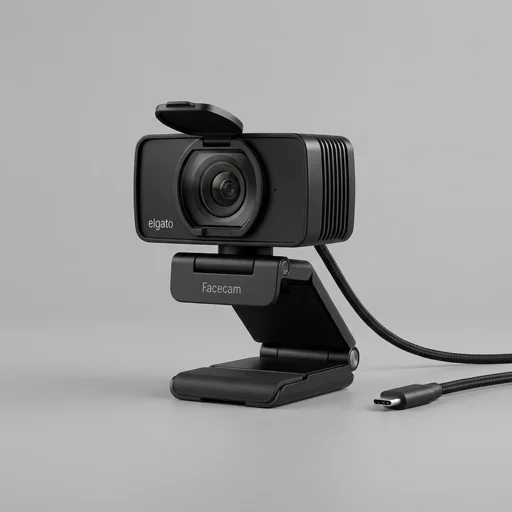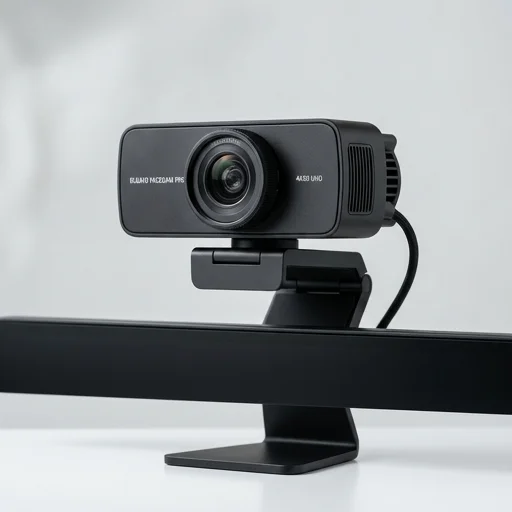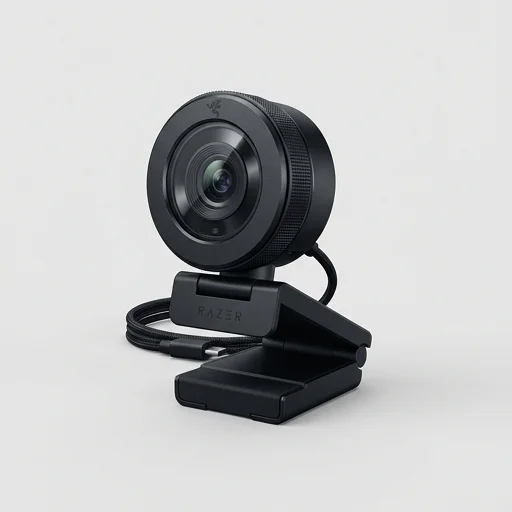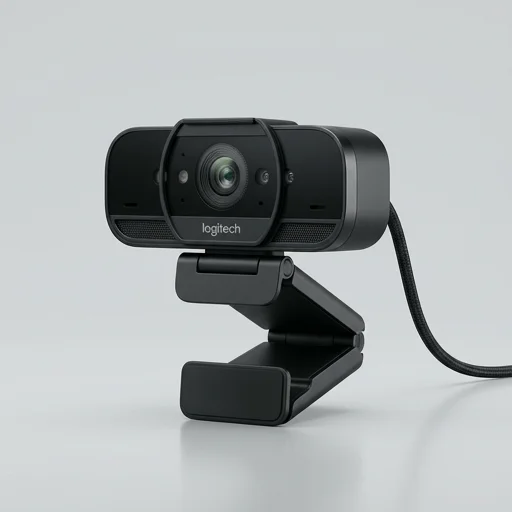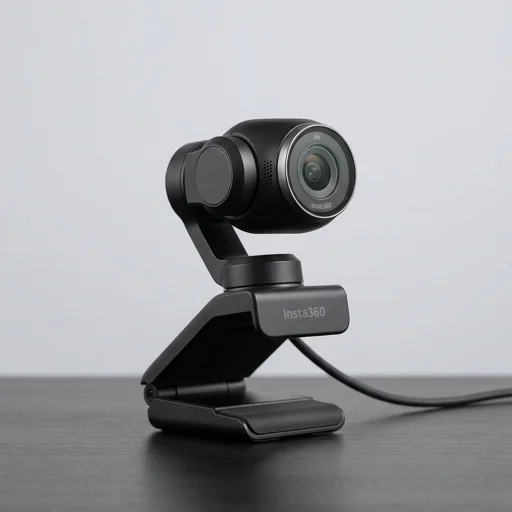
Insta360 Link
by Insta360
Insta360 Link stands out in the crowded webcam market by offering a genuine mechanical gimbal, letting it physically follow you around a room rather than just cropping a wide-angle shot.
Insta360 Link stands out in the crowded webcam market by offering a genuine mechanical gimbal, letting it physically follow you around a room rather than just cropping a wide-angle shot. Image quality, low-light performance, and smart features like whiteboard mode and gesture control make it a favorite among streamers, remote workers, and educators who want more than a static camera. The higher price and software dependency are minor trade-offs for the flexibility it provides.
Key features
9 highlights- 1/2" CMOS sensor with 4K resolution
- AI-powered gimbal design for physical pan-tilt-zoom
- Active HDR for balanced exposure
- Gesture control for zoom, tracking and power
- AI Framing with auto face tracking
- Whiteboard mode for document capture
- Low-light Night Vision mode
- Magnetic mount for quick attach/detach
- Deep-learning subject tracking algorithm
Technical specifications
Manufacturer data, verified on testWhat we liked
6- Physical gimbal allows true pan/tilt/zoom, not just digital crop
- Excellent image quality with strong autofocus in various lighting
- Gesture controls work reliably for hands-free adjustments
- Whiteboard mode is genuinely useful for teaching or presentations
- Compact design with sturdy magnetic mounting base
- Software (Insta360 Link Controller) offers deep customization
What held it back
5- Premium price compared to standard webcams
- Requires USB-A to USB-C or USB-C cable management, can feel bulky on some monitors
- Software must stay running in background for full feature access
- No built-in privacy shutter, relies on physical cover accessory
- Occasional lag when switching between tracking modes
Our full review
62 h on testInsta360 Link is a premium AI-powered webcam built for streamers, creators, remote workers, and presenters who want desktop video that feels more like a professional camera setup than a standard webcam. Its standout design combines a compact body with a gimbal-mounted camera that can tilt, pan, and follow movement, giving users flexible framing without needing to constantly reposition the device. It is made for live streaming, online meetings, tutorials, and content creation, where keeping a polished, engaging image matters.
The camera is known for its 4K resolution, strong low-light performance, and responsive auto-tracking features that help keep a speaker centered in frame during movement. It also supports smart shooting modes such as portrait framing, desk view, and whiteboard-style presentations, which make it especially useful for creators who switch between talking head shots, product demos, and instructional content. These features reduce the need for extra equipment and simplify the workflow for anyone producing video regularly.
For streaming and creator workflows, Insta360 Link focuses on convenience, quality, and adaptability in a single device. It connects easily to common platforms and works as a plug-and-play solution for many setups, while still offering enough intelligent control to satisfy users who want more than a basic webcam. As a result, it appeals to people looking for a compact camera that can elevate their on-camera presence, improve production value, and make everyday video communication look more dynamic and professional.
What owners say
4 verified reviews · 1,566 votes countedThe gimbal tracking is genuinely impressive. I move around my desk while presenting and it keeps me perfectly framed without any weird digital zoom artifacts.
Whiteboard mode has been a game changer for my team syncs. Only gripe is I need the companion app running constantly, which uses some background resources.
Switched from a basic USB webcam and the difference in low light is night and day. Gesture controls to zoom in during demos are a nice touch too.
Performs excellently, especially the autofocus and HDR balance, but it's definitely an investment compared to entry-level webcams. Worth it if you stream often.