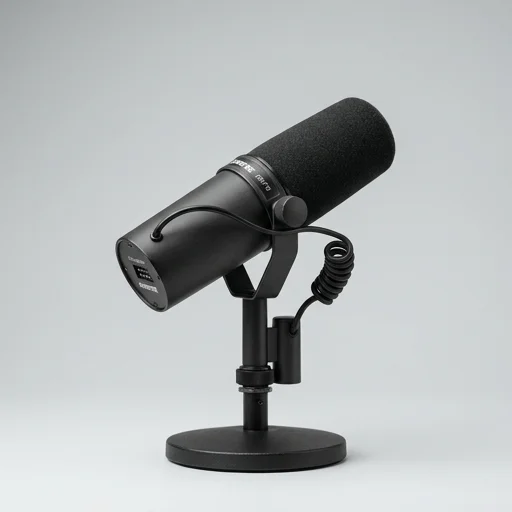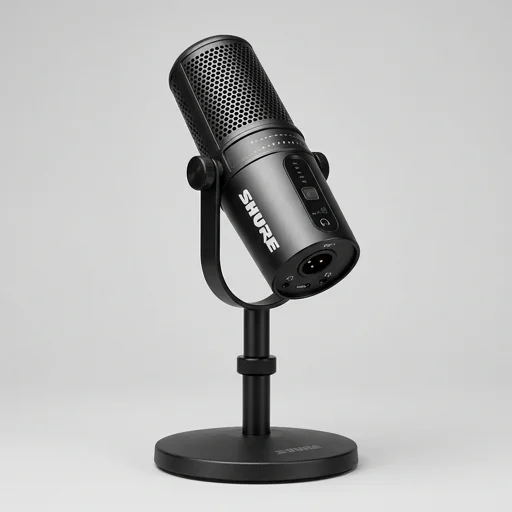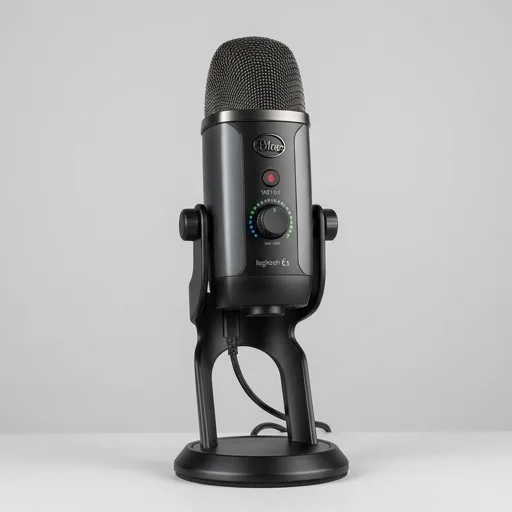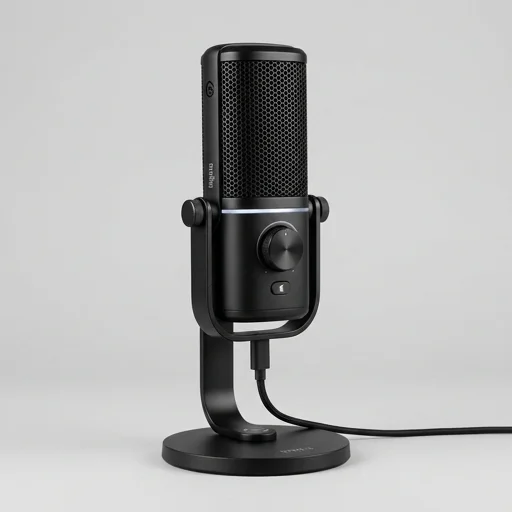
Elgato Wave 3
by Elgato
The Elgato Wave 3 remains one of the best value USB microphones for streamers and podcasters who want broadcast-quality sound without an audio interface.
The Elgato Wave 3 remains one of the best value USB microphones for streamers and podcasters who want broadcast-quality sound without an audio interface. Its combination of Clipguard, a clean cardioid capsule, and the flexible Wave Link mixer software make it easy to sound professional immediately, even though power users may miss a hardware gain knob.
Key features
6 highlights- Premium condenser capsule for studio-quality cardioid recording
- Clipguard technology to prevent digital distortion and clipping
- Wave Link software for mixing multiple audio sources
- Capacitive touch mute button on top of the mic
- Plug-and-play USB-C connectivity, no drivers needed
- Built-in headphone jack for zero-latency monitoring
Technical specifications
Manufacturer data, verified on testWhat we liked
5- Excellent vocal clarity straight out of the box
- Clipguard virtually eliminates peaking during loud moments
- Wave Link app makes routing game, chat, and mic audio simple
- Sturdy build with included desktop stand and pop filter accessory compatibility
- Sleek design with customizable RGB-free LED ring for mute status
What held it back
4- No onboard gain dial, must adjust via software
- Cardioid-only pattern limits multi-person recording
- USB-C cable included is somewhat short for larger desk setups
- Software occasionally needs a restart to detect the mic properly
Our full review
57 h on testThe Elgato Wave:3 is a premium USB condenser microphone purpose-built for streamers, podcasters, and content creators who need broadcast-quality audio without the complexity of traditional studio gear. Its sleek cylindrical design, wrapped in a durable metal grille, houses a custom condenser capsule tuned specifically for vocal clarity, making it ideal for capturing crisp commentary during live streams, voiceovers, or podcast recordings. The cardioid polar pattern focuses on the speaker's voice while minimizing background noise from keyboards, fans, or room echo, a critical feature for anyone broadcasting from a home setup rather than a professional studio.
What truly sets the Wave:3 apart in the creator tools space is its integration with Elgato's proprietary Wave Link software, a mixing application that allows users to independently control multiple audio sources in real time. Streamers can blend game audio, Discord chat, music, and their own microphone levels into separate local and stream mixes without needing external mixing hardware. This is paired with the Clipguard technology, a built-in feature that prevents audio clipping by automatically adjusting gain input on the fly, ensuring that sudden shouts or laughter during an intense gaming moment never blow out the recording. A tactile capacitive mute button on top of the mic, which glows red when muted, gives streamers instant control during live broadcasts.
Designed with the modern content creator's desk setup in mind, the Wave:3 connects via a single USB-C cable, offering plug-and-play simplicity across Windows and macOS systems, and includes a versatile onboard headphone jack for zero-latency monitoring. Its included desktop stand keeps the mic stable and positioned at an ideal angle, though it's also compatible with standard boom arms and mic stands for those building out a more elaborate streaming rig. Whether used for Twitch broadcasts, YouTube content creation, or professional podcasting, the Wave:3 delivers a polished, plug-in-ready audio solution that bridges the gap between consumer-grade microphones and expensive studio equipment, making it a staple recommendation within the streaming and creator hardware community.
What owners say
4 verified reviews · 1,012 votes countedSwitched from a cheap headset mic and the difference is night and day. Clipguard saved me from clipping during a loud raid alert, and Wave Link made balancing Discord and game audio painless.
Audio quality is fantastic for podcasting, very clear and warm. My only gripe is having to open the app every time I want to tweak gain instead of just turning a dial.
Been using this for over a year on Twitch. Plug and play, sounds professional, and the mute button is satisfying to use mid-stream.
Really happy with the clarity and build quality. The included stand is a bit short so I ended up buying a boom arm, but the mic itself sounds excellent.